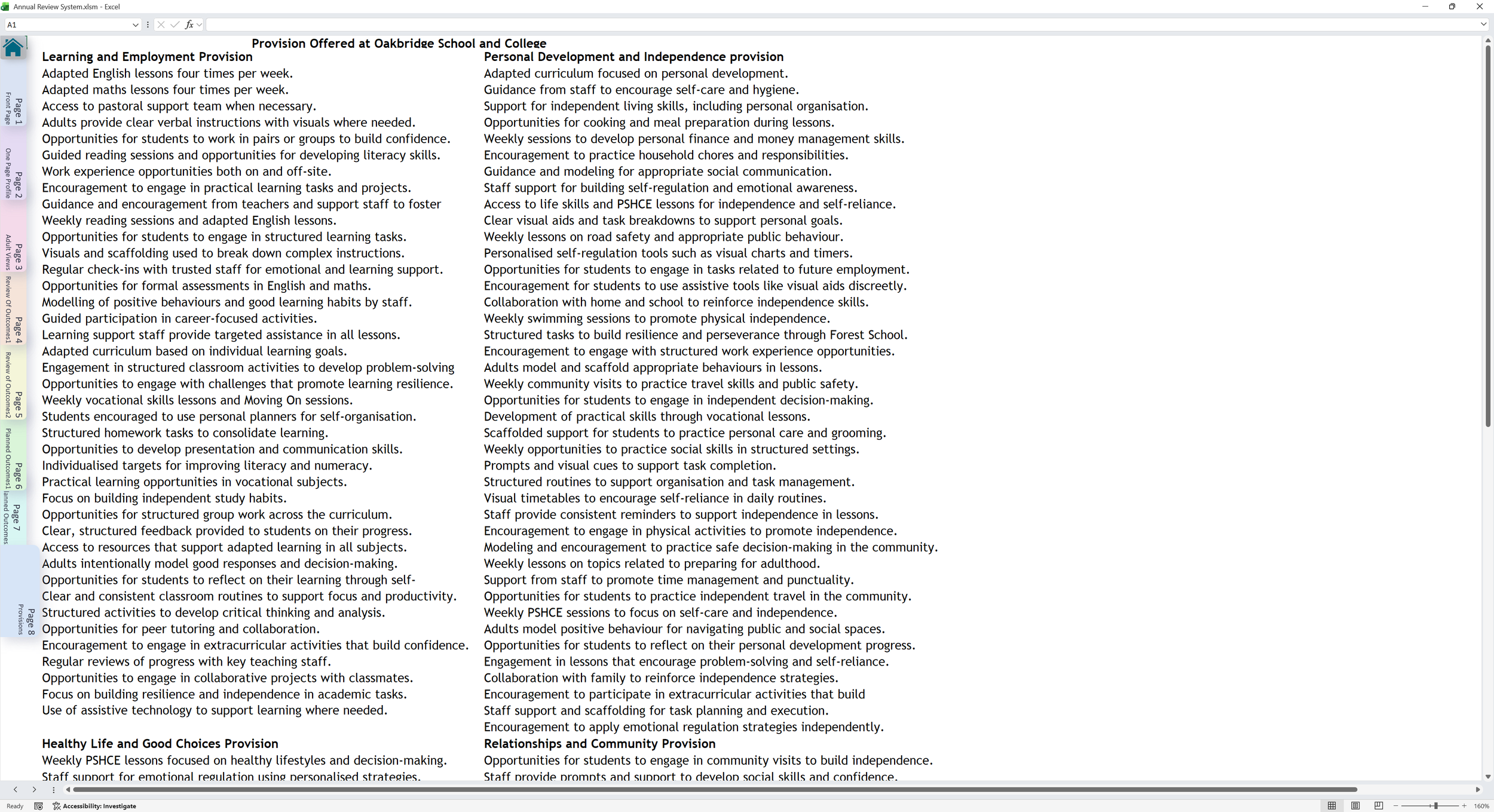
Interactive system demo
Annual Review System Walkthrough
This is a simulated walkthrough using anonymised demo data. Click the highlighted areas to explore.
Start on the Class Setup page. Use the navigation buttons to explore the annual review workflow.
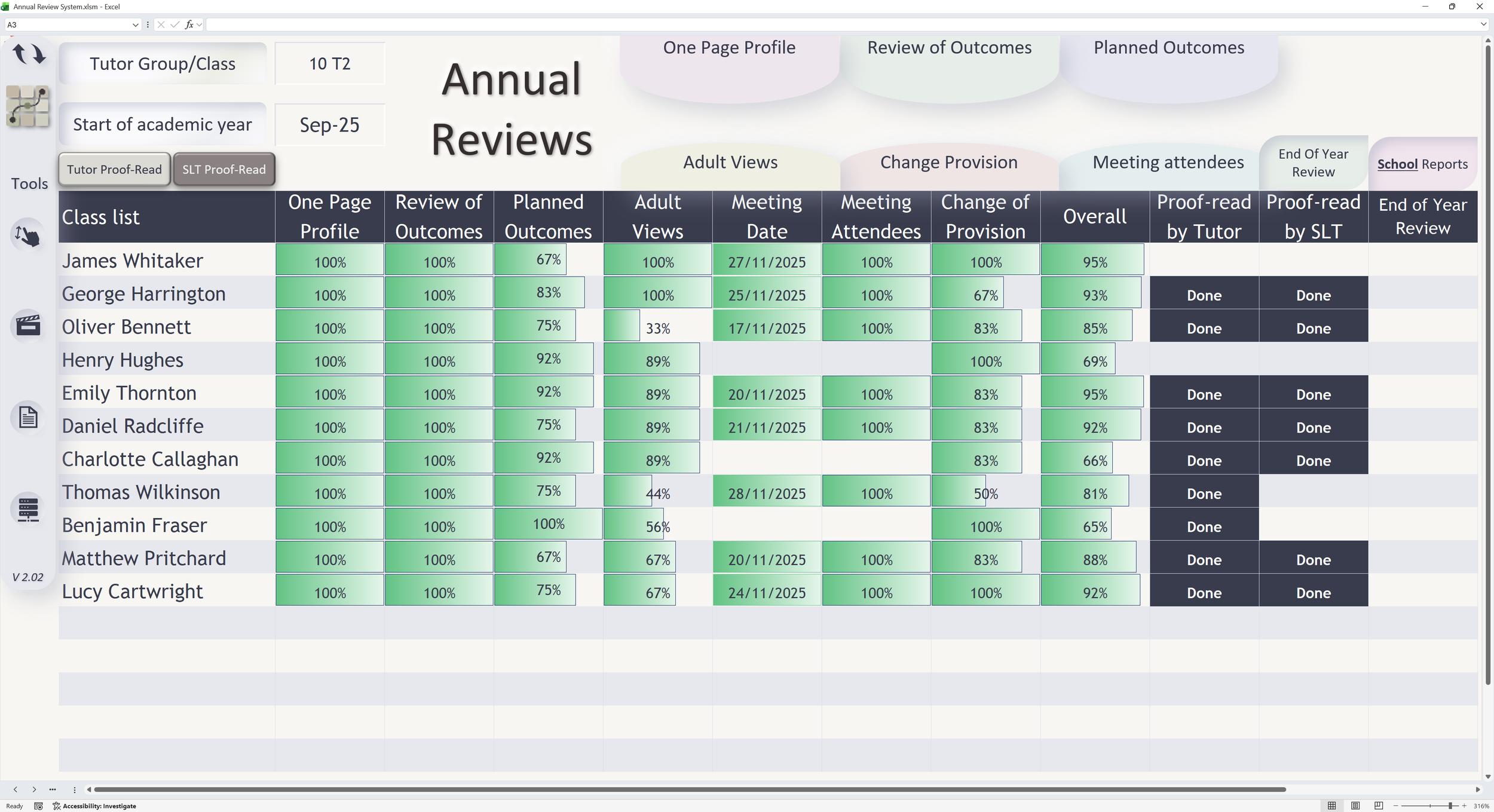
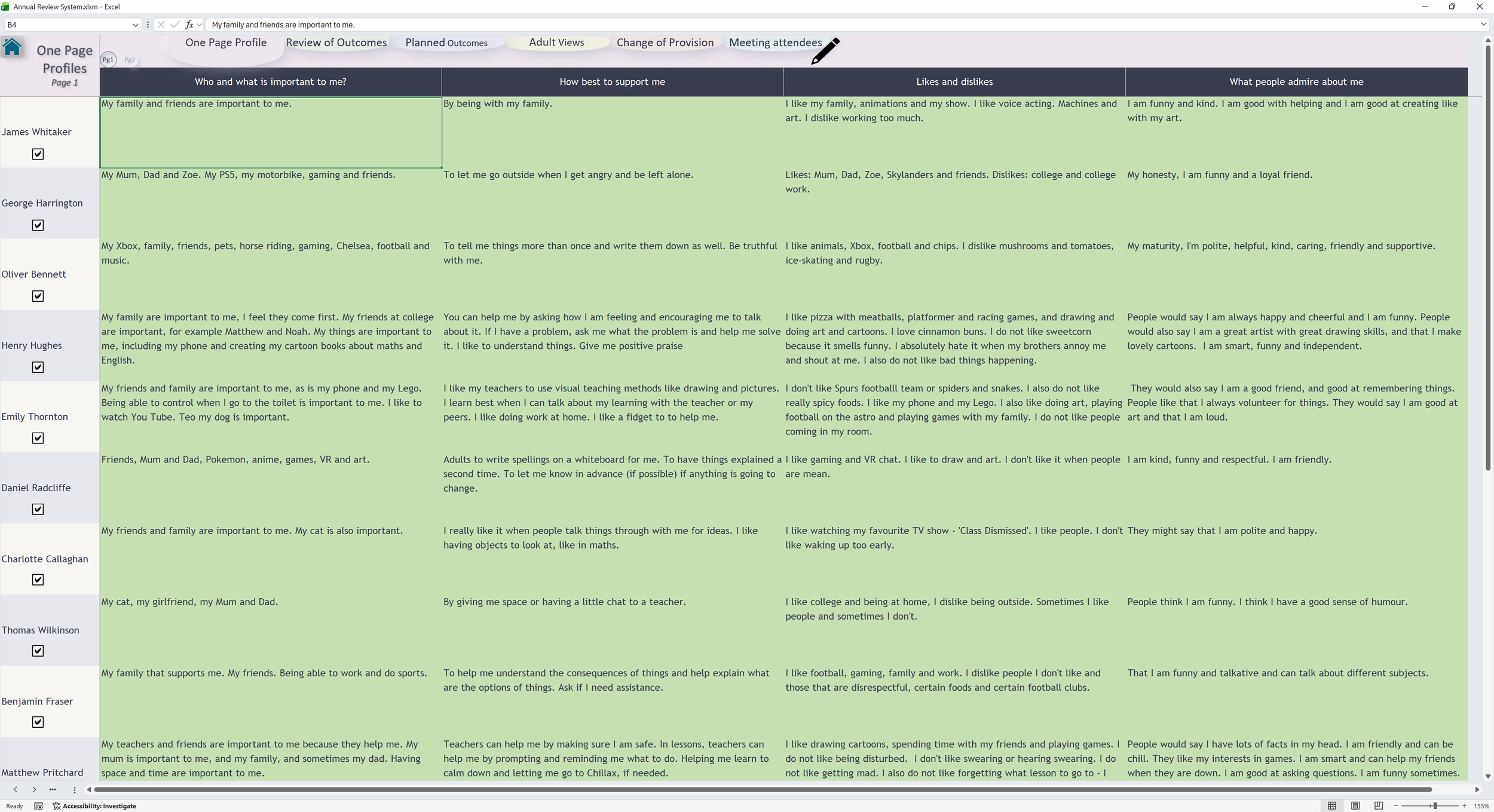
The One Page Profile brings key learner information together in one clear, structured view.
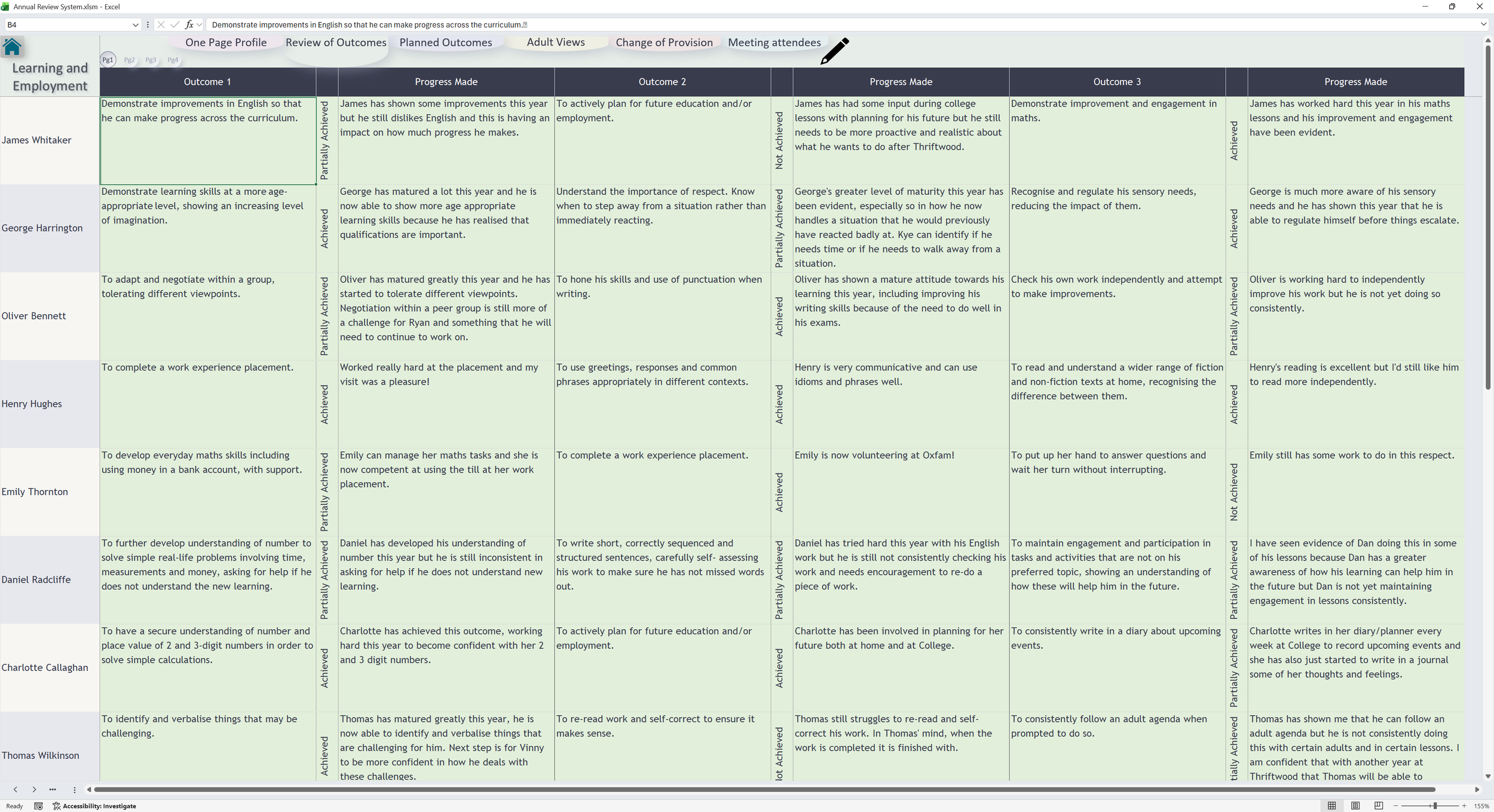
The Review of Outcomes area allows previous outcomes to be reviewed and updated clearly.
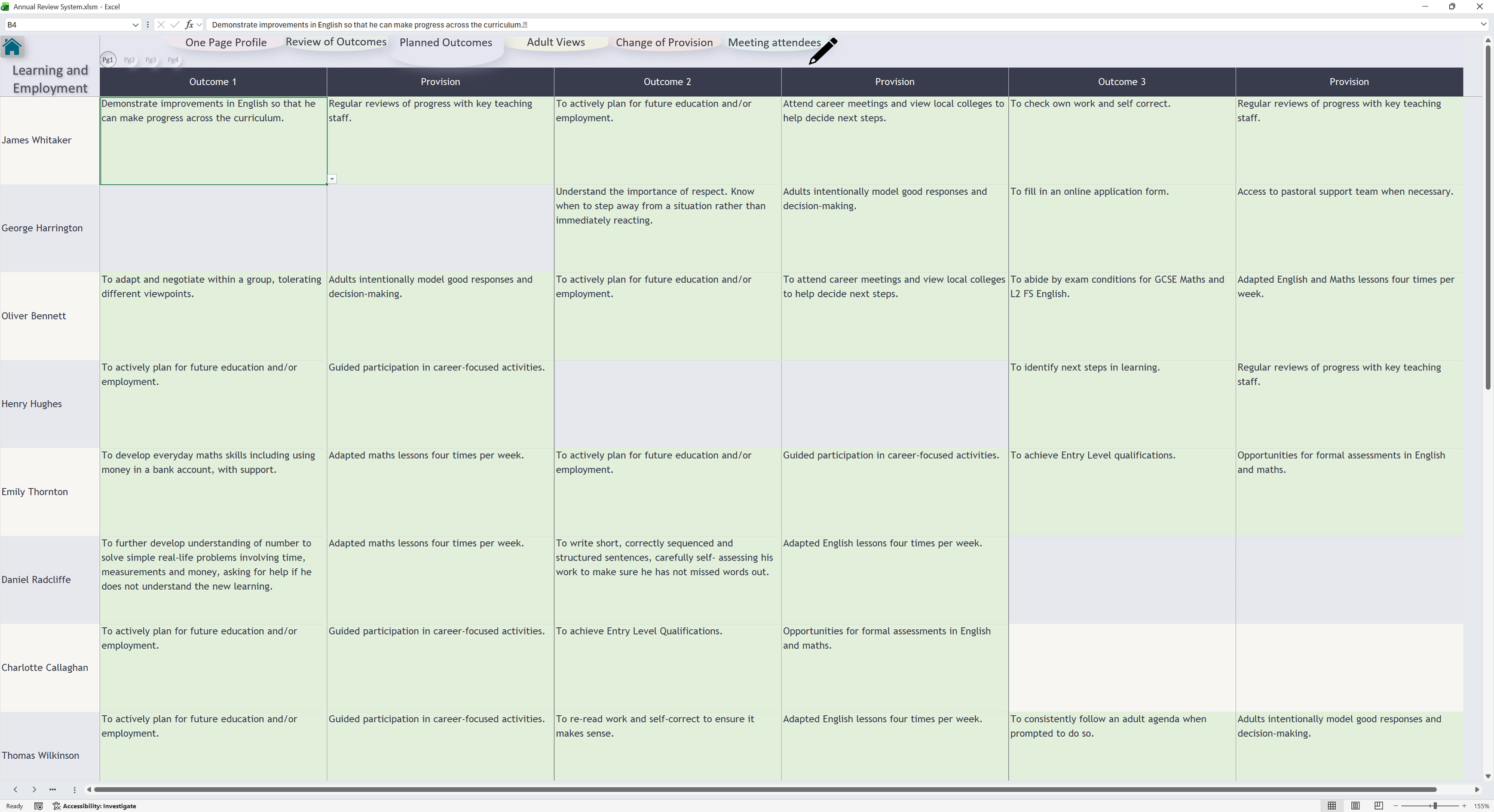
Planned Outcomes helps staff build and review next steps in a structured way.
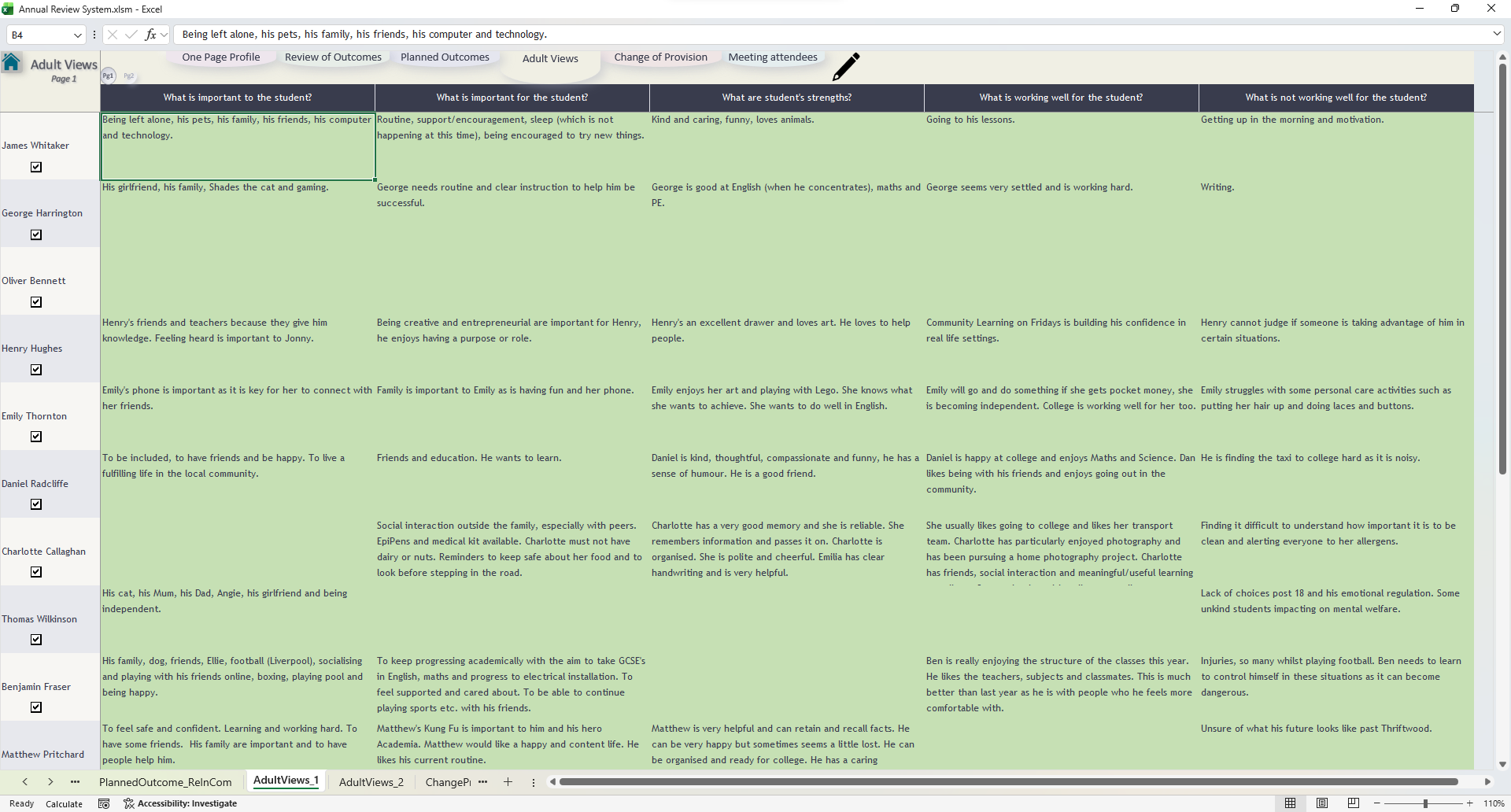
Adult Views provides a clear place to capture and review professional input.
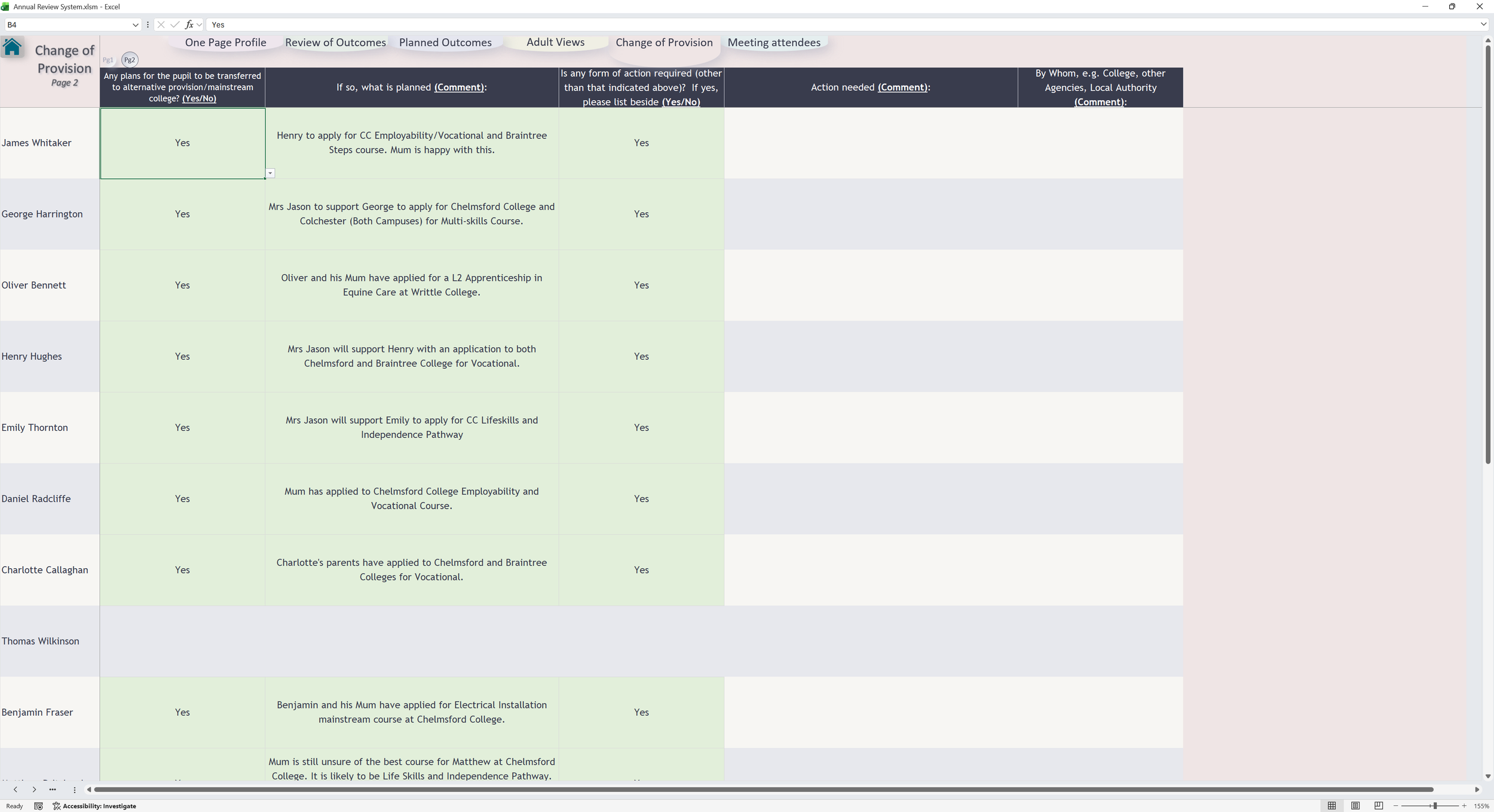
Change Provision keeps key transition and provision information in one place.
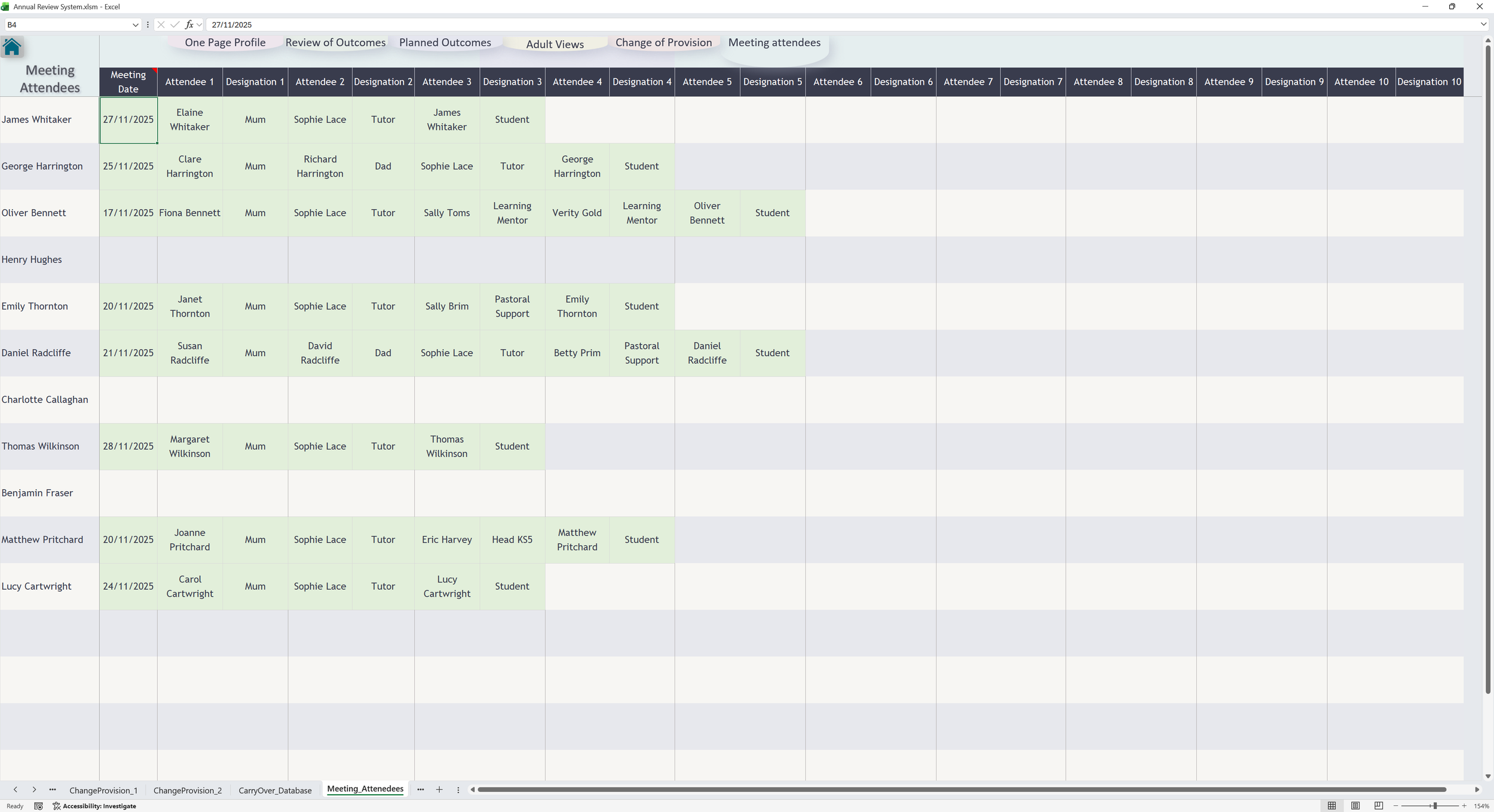
Meeting Attendees records who is involved in the annual review process.
This view simulates the generated annual review paperwork. Use the page tabs on the left to move through the document.
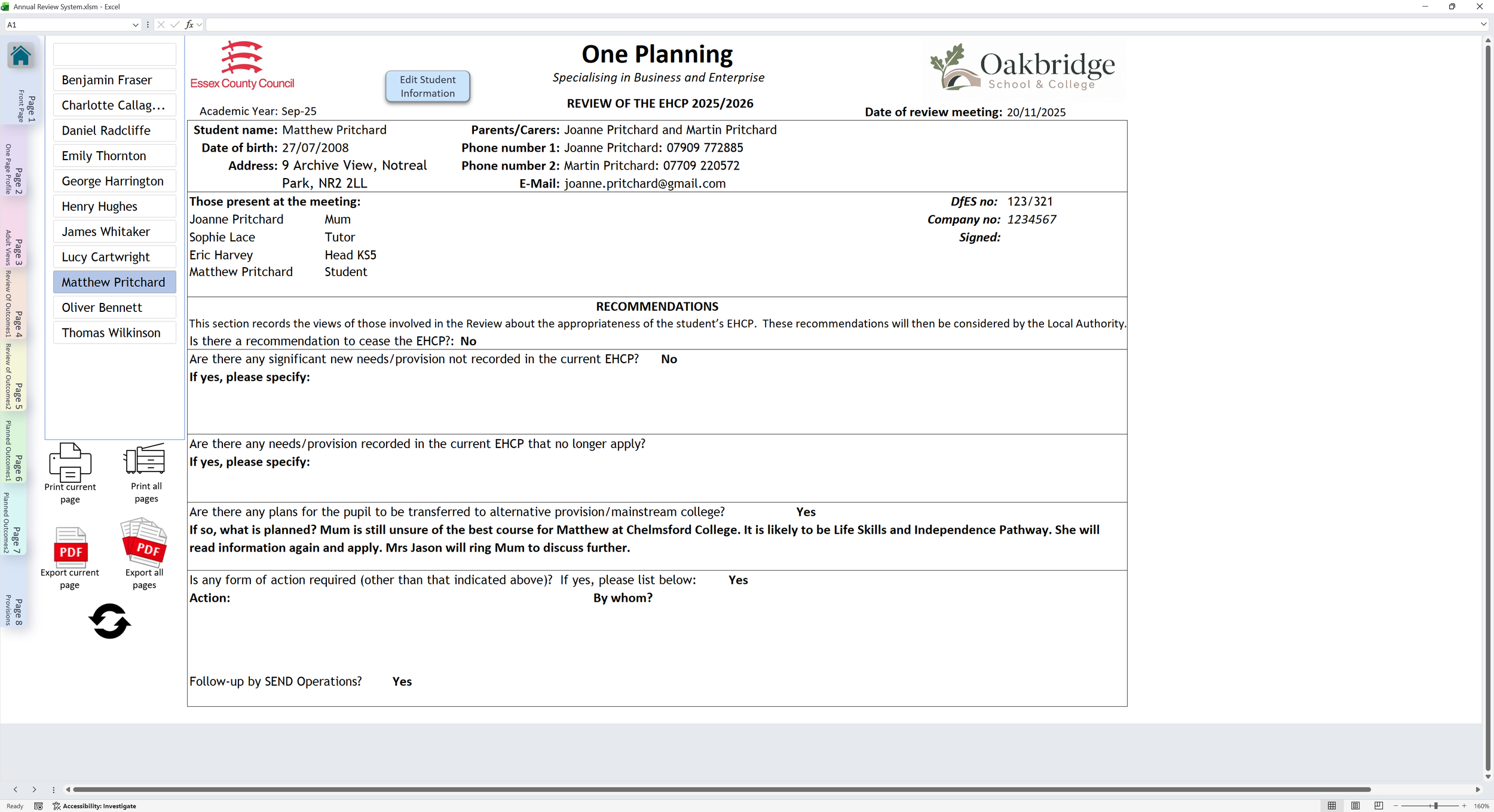
This view simulates the generated annual review paperwork. Use the page tabs on the left to move through the document.
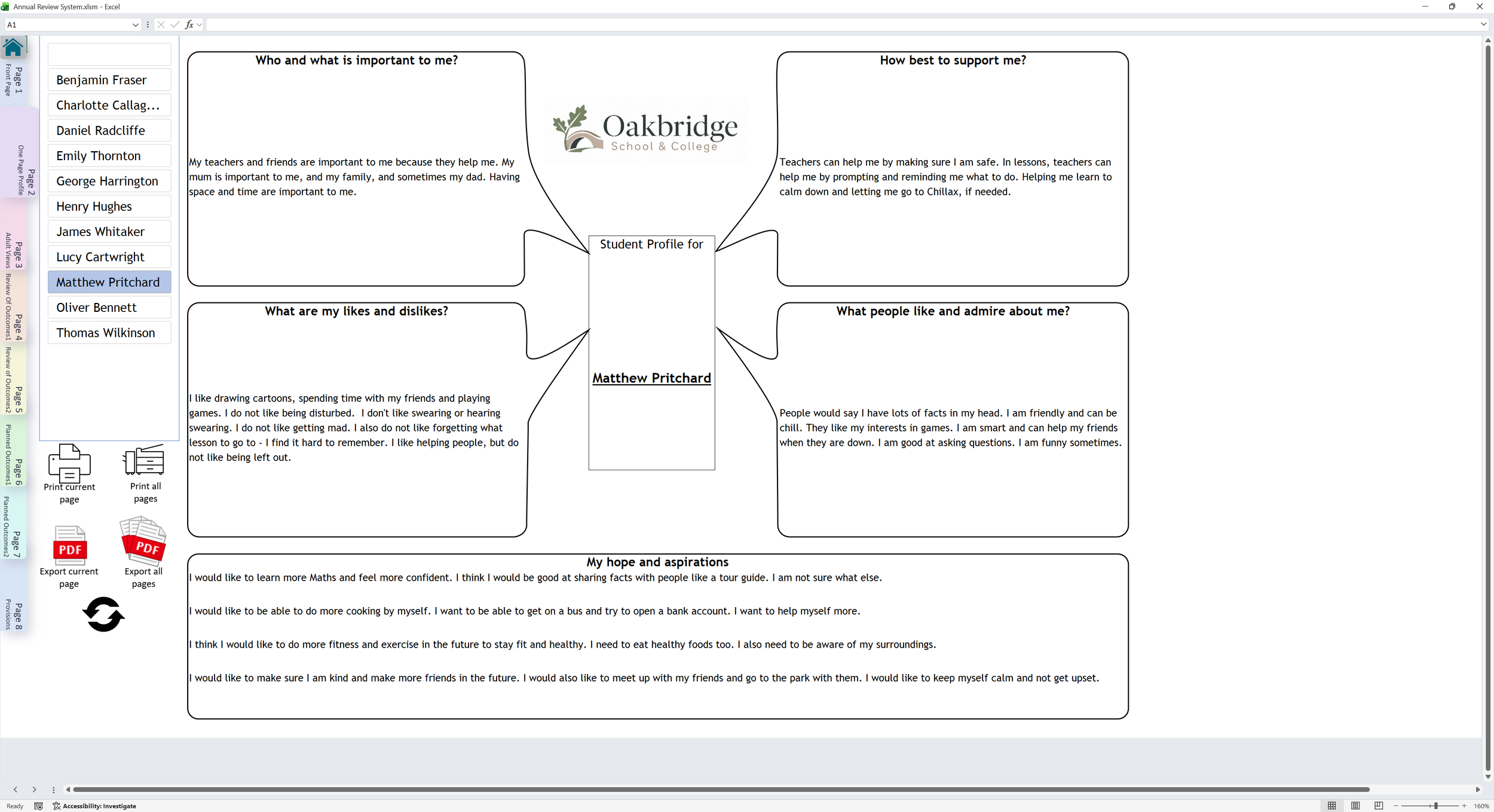
This view simulates the generated annual review paperwork. Use the page tabs on the left to move through the document.
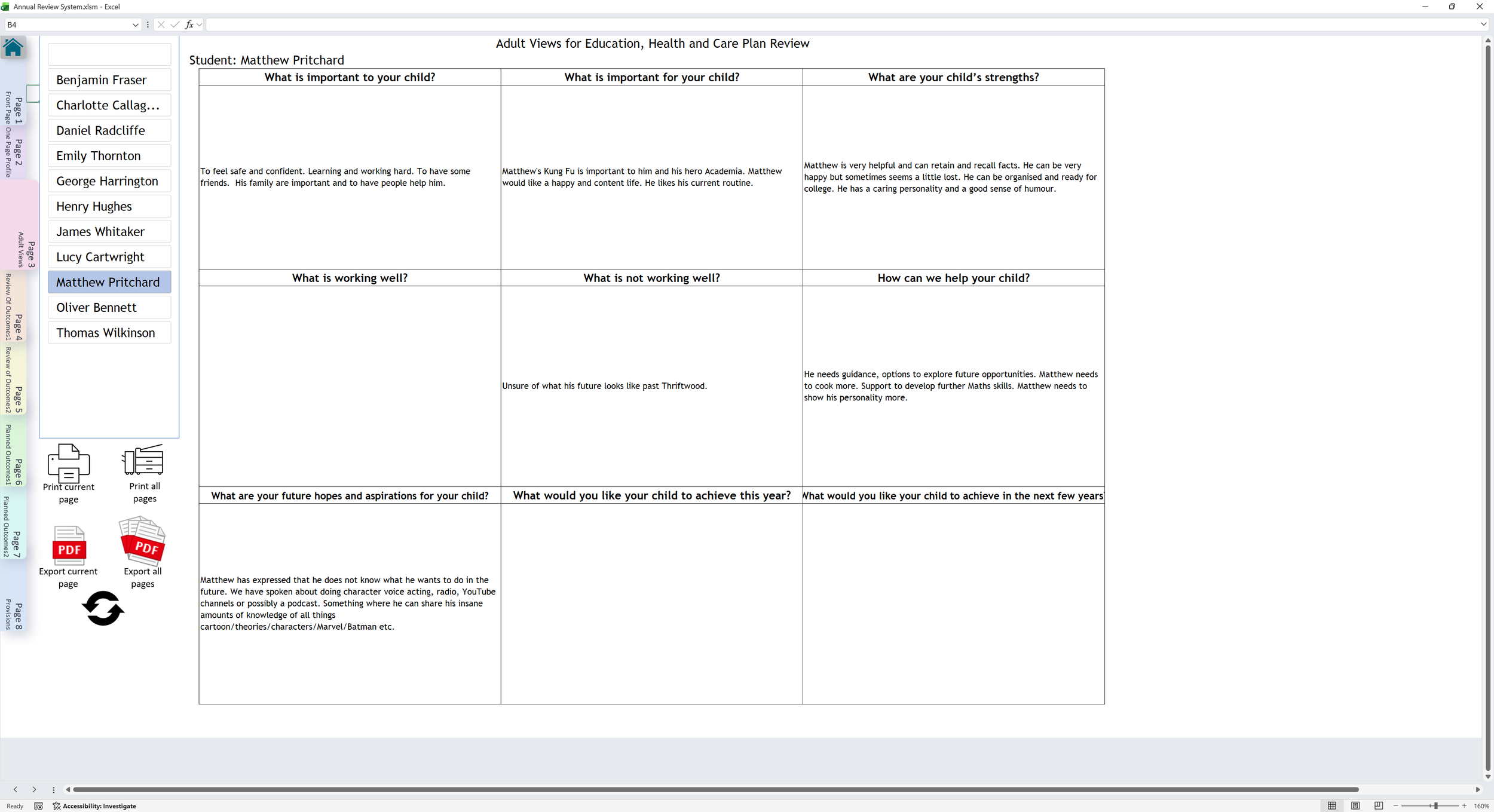
This view simulates the generated annual review paperwork. Use the page tabs on the left to move through the document.
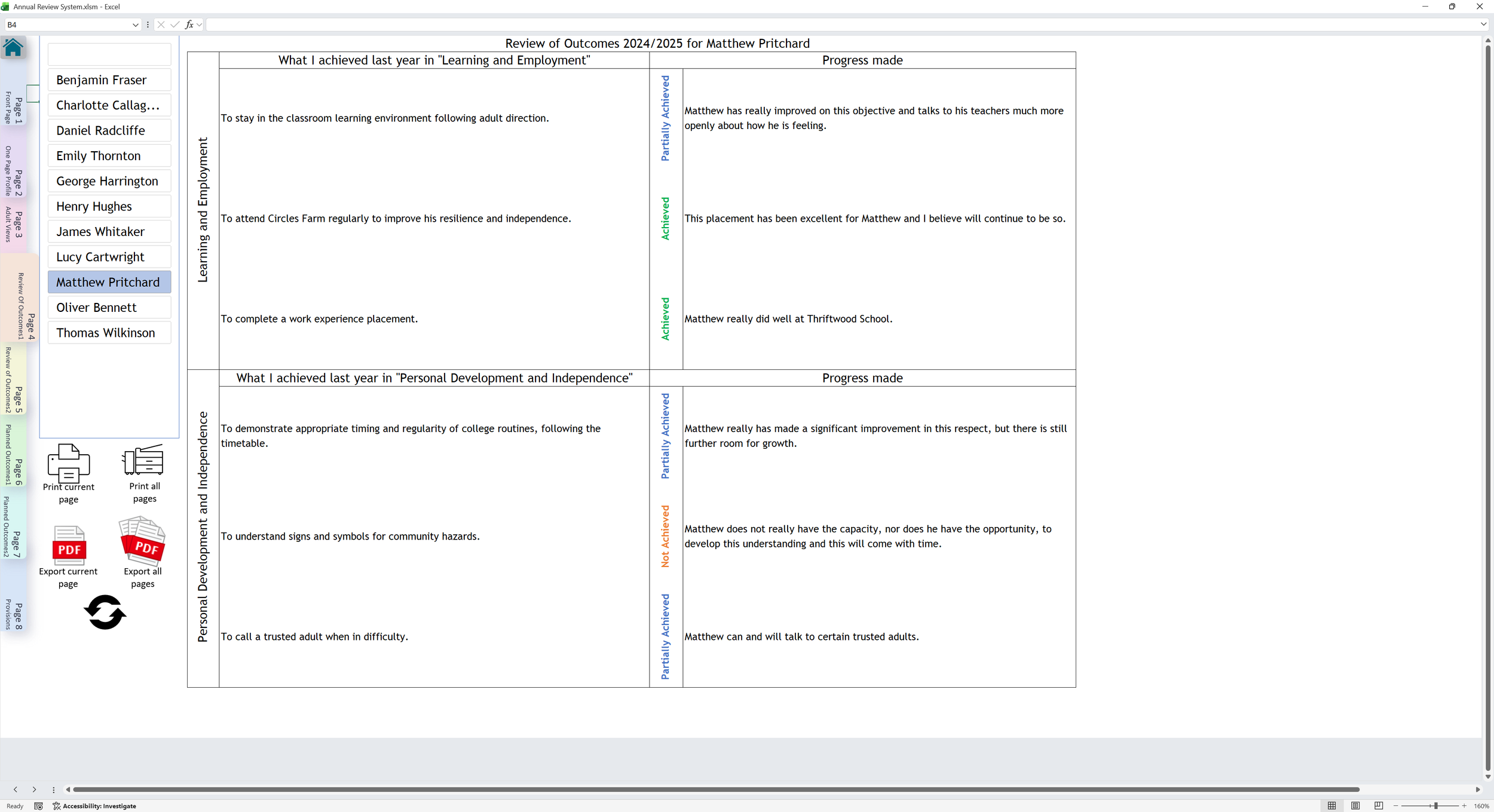
This view simulates the generated annual review paperwork. Use the page tabs on the left to move through the document.
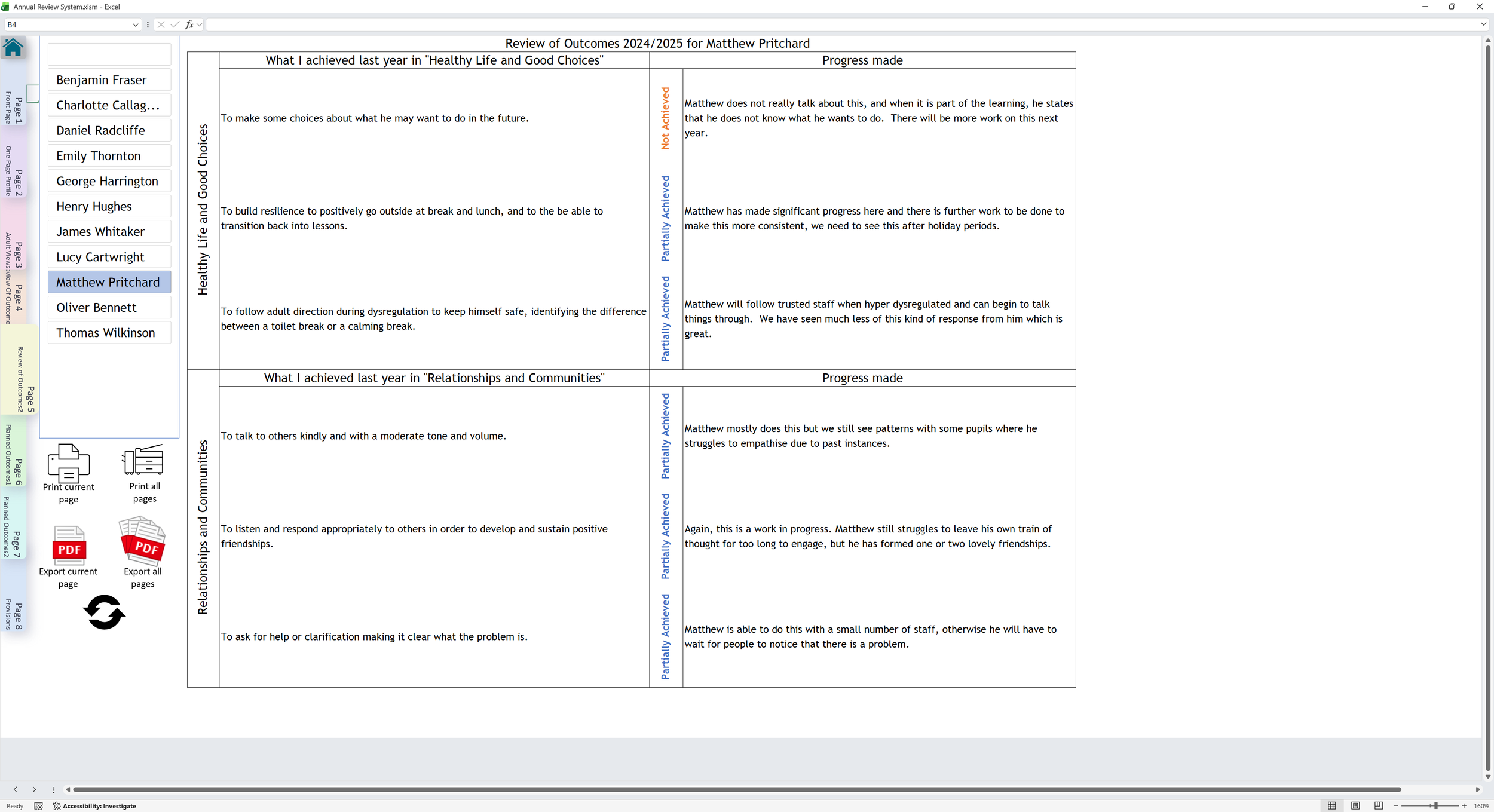
This view simulates the generated annual review paperwork. Use the page tabs on the left to move through the document.
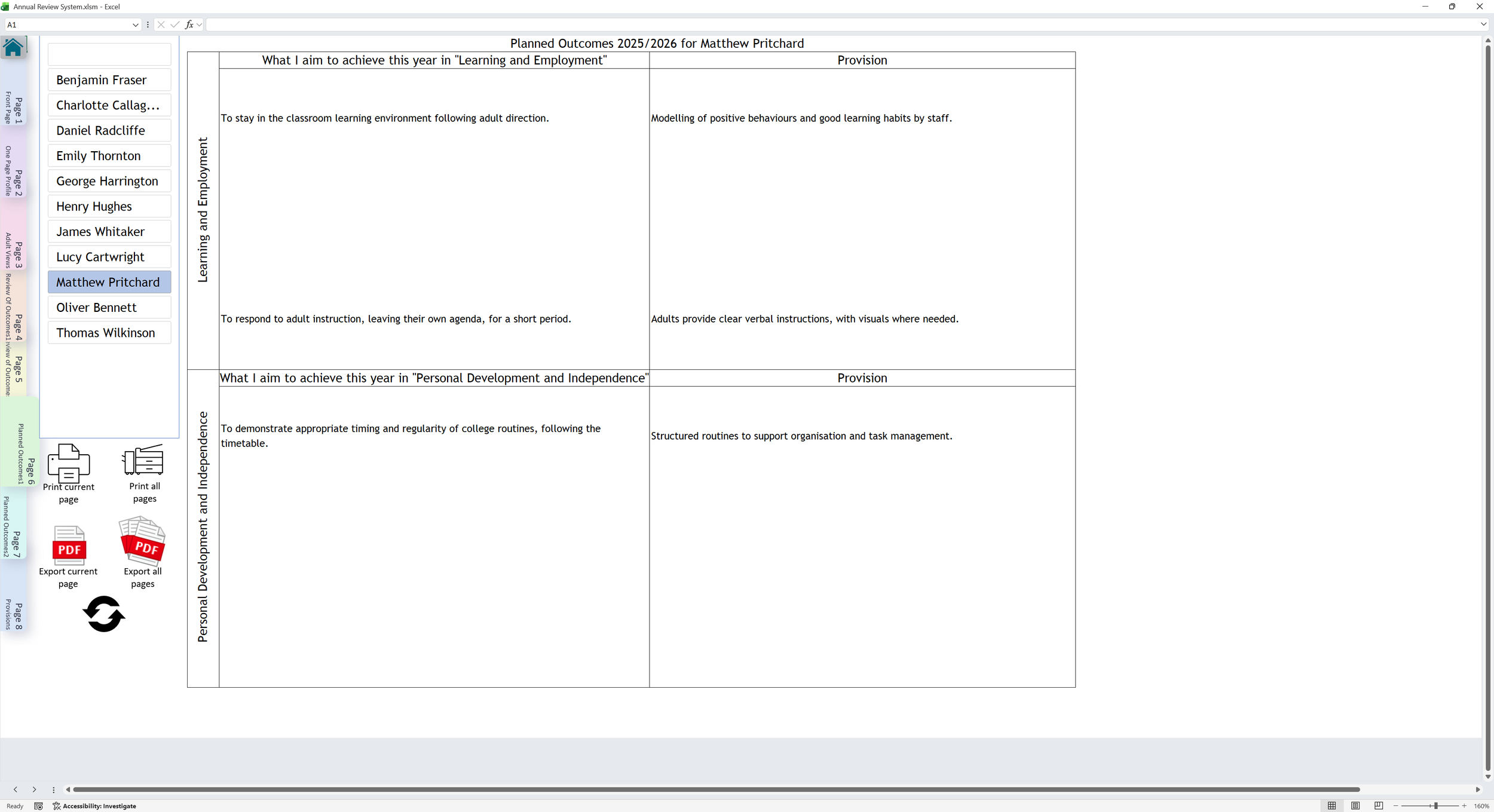
This view simulates the generated annual review paperwork. Use the page tabs on the left to move through the document.
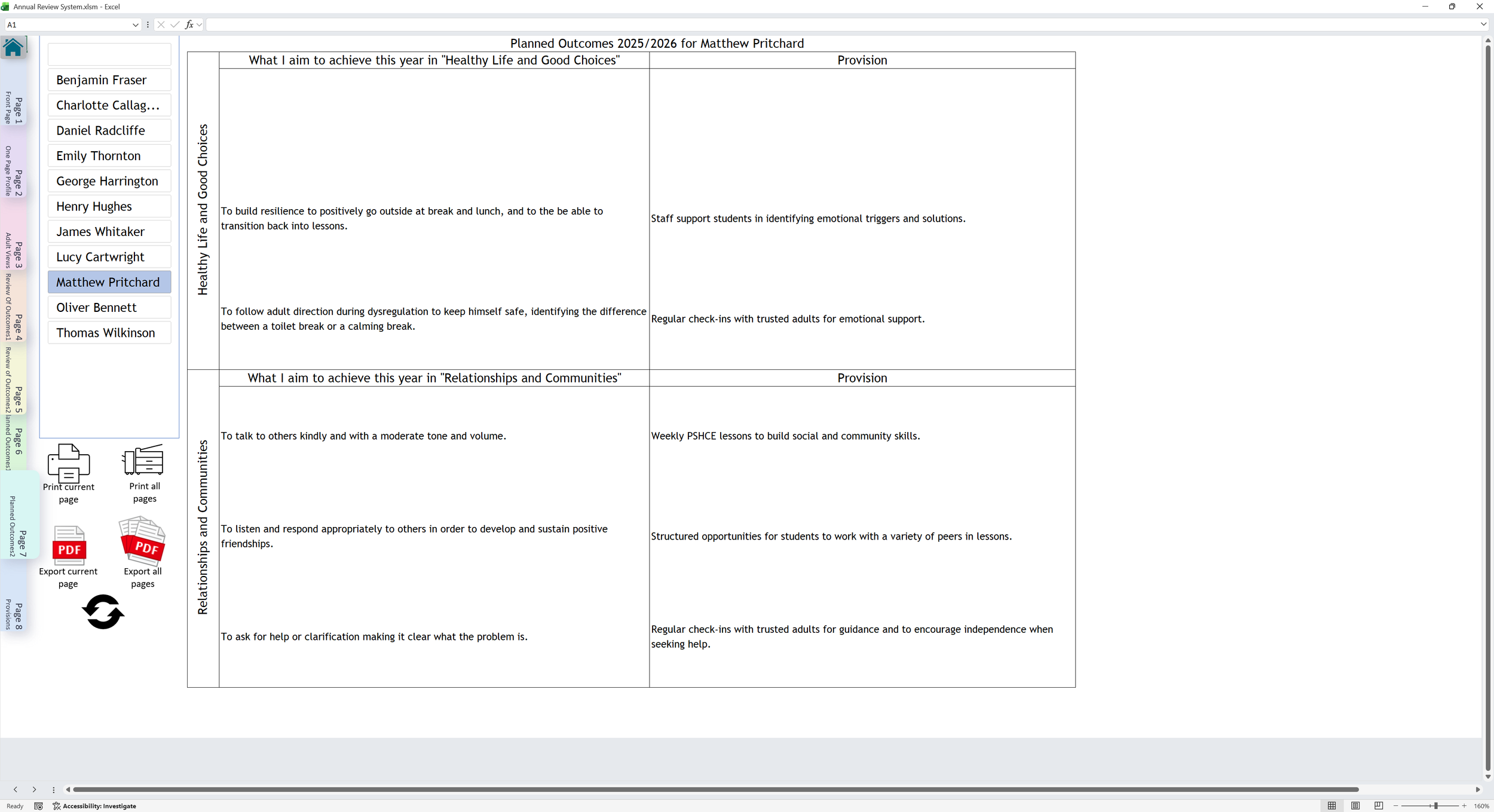
This view simulates the generated annual review paperwork. Use the page tabs on the left to move through the document.